
Translate right inside your work environment with the new Supertext add-ins for Microsoft Office
Advanced and Enterprise users can now translate documents, emails and presentations right inside Word, Outlook and PowerPoint – securely, efficiently and seamlessly.
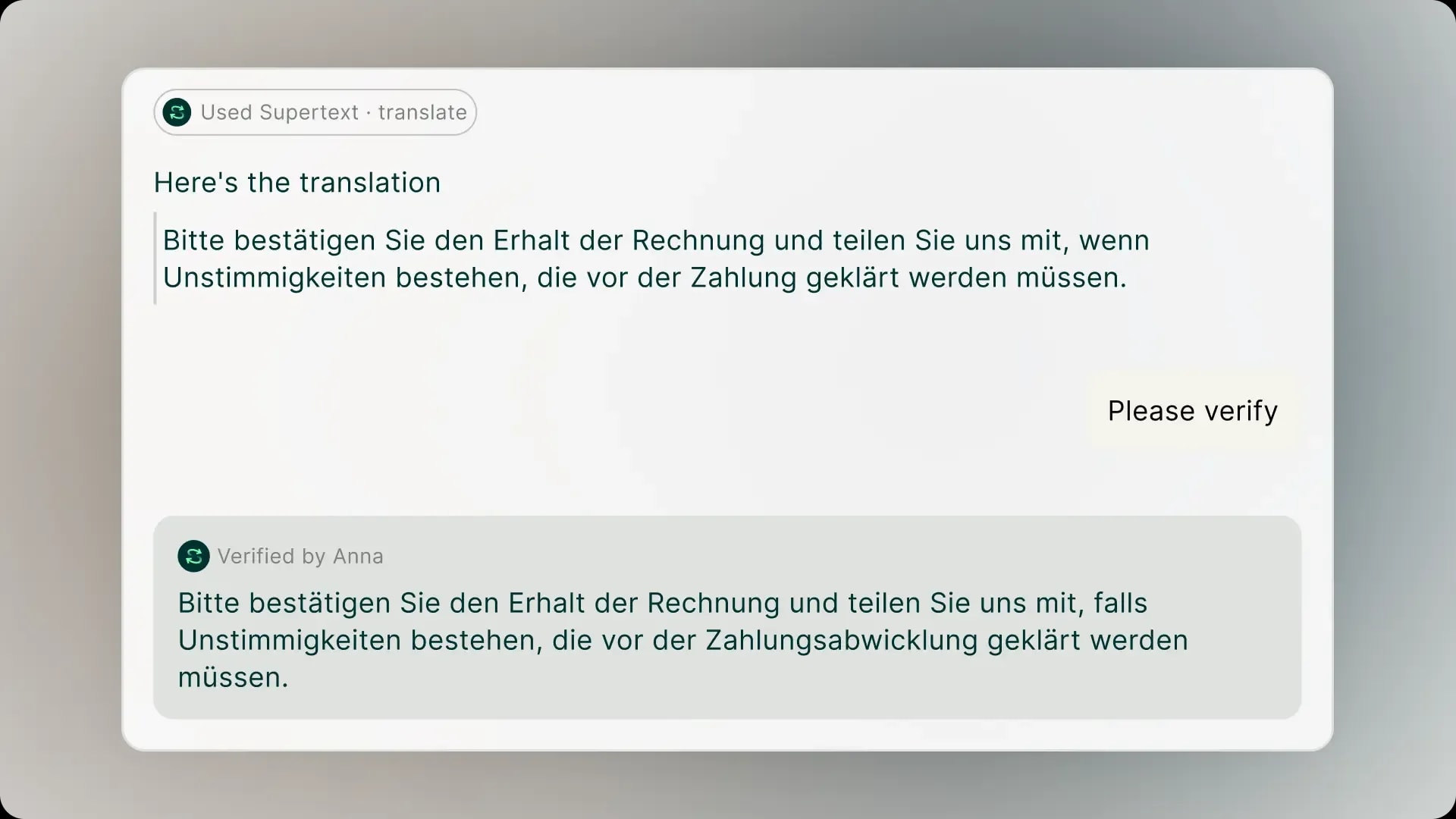
The new Microsoft Office add-ins let you translate multilingual content directly inside the tool. Your team glossaries and style specifications are automatically taken into account, workflows run faster, errors are minimised and your corporate language remains consistent across teams. AI-supported translations take place exactly where you create the content – meaning no more copy and paste or having to use external applications.
Get started in just three steps
-
Install the add-in – simply download it from Microsoft Marketplace and follow the installation instructions. Do you need an alternative way to access it? Feel free to get in touch.
-
Log in to Office – use your Supertext account to log in to the add-in in Word, Outlook or PowerPoint.
-
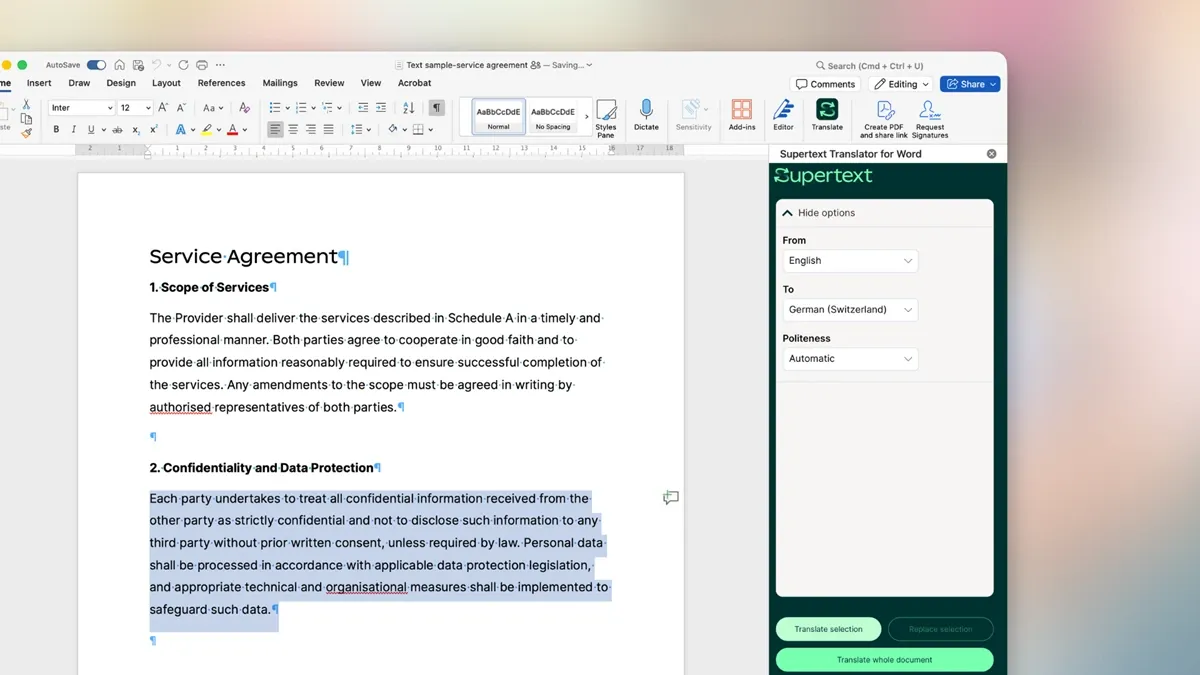
Translate seamlessly in the tool – select the text, select the target language and you’re done.
Install the add-in and get started now
Stay secure and on brand at all times with your tailored AI, team glossaries and style guides
Many users copy sensitive company data into public AI tools, which creates risk and often violates data protection regulations. With the Microsoft Office add-ins, Supertext users can conduct all translations via encrypted infrastructure and in compliance with the Swiss Data Protection Act (FADP) and the EU General Data Protection Regulation (GDPR), proactively minimising security risks.
At the same time, the add-ins integrate personalised AI models, team glossaries and style specifications, ensuring that translations remain consistent across teams and tools – whether in Word, Outlook, PowerPoint or on supertext.com.
The result:
- Improved translation quality
- Fewer revisions
- Consistent language across teams and documents
- Secure handling of sensitive company content
The Microsoft Office add-ins receive ongoing support and are available starting at the Advanced subscription tier.
Discover Supertext subscriptions
Translate right inside Word, Outlook and PowerPoint
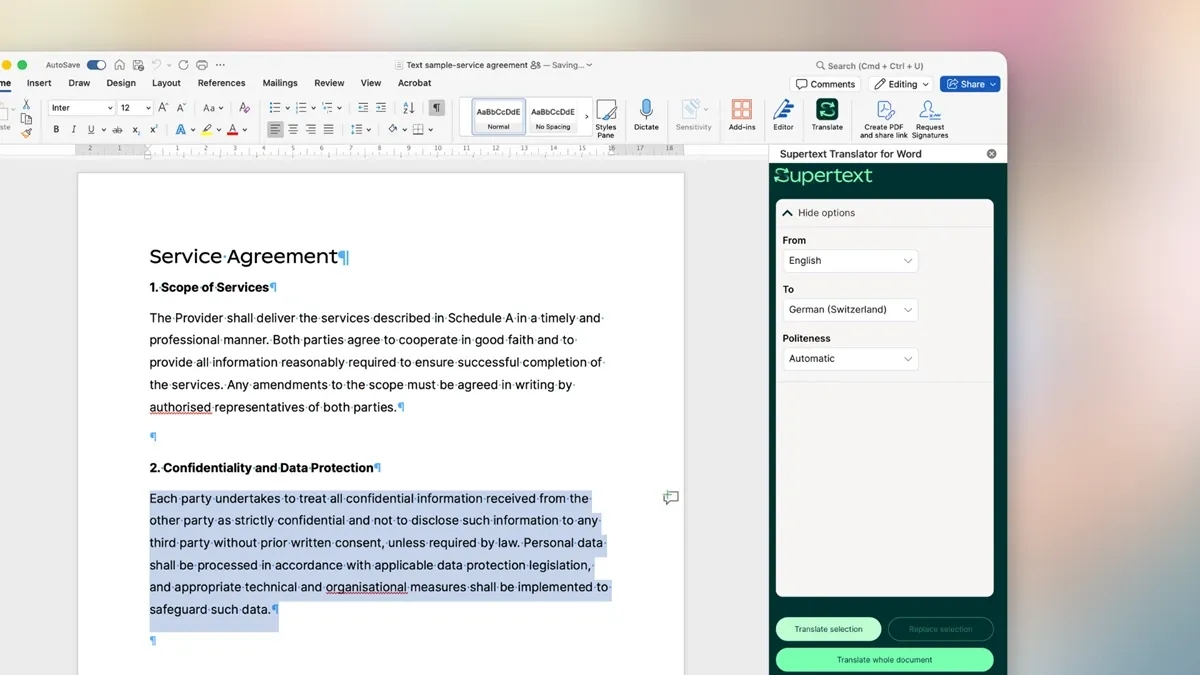
- Word: Translate texts and entire documents in their final layout – from contracts to brand concepts. Formality, style and tone automatically adapt to the team’s specifications.
- Outlook: Draft emails and then translate them into any desired language – without having to CTRL+C content out. Ideal for fast, secure and FADP/GDPR-compliant international correspondence.
- PowerPoint: Prepare multilingual meetings and presentations without a rework: translate content into the language of your choice while maintaining the slide layout and guaranteeing linguistic consistency.


More posts

GDPR-compliant AI translator: what it really means and how to check

Swiss AI that delivers: Supertext wins Raiffeisen Switzerland as partner